1. Introduction to Avance Machine Mastery
Embroidery is more than stitches—it’s precision, creativity, and technology working in sync. This guide is your backstage pass to unlock the full potential of your Avance embroidery machine. From technical specs and OSHA-minded safety to troubleshooting and advanced operations, you’ll learn how to boost efficiency, minimize downtime, and stitch flawless designs with confidence.
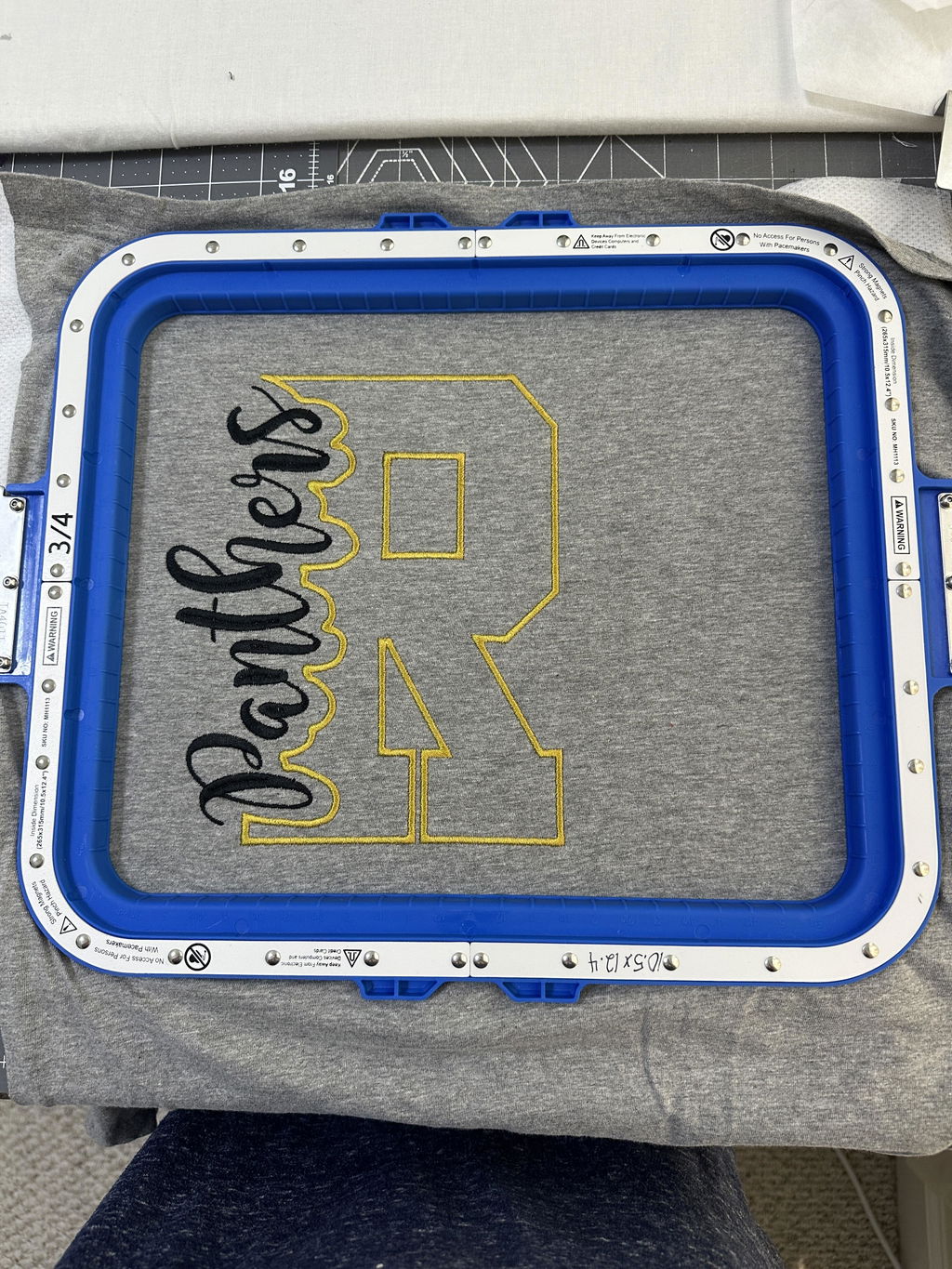
Pair your Avance manual with smart setup choices like magnetic embroidery hoops to streamline alignment and reduce fabric slippage.
Table of Contents
- 1. Introduction to Avance Machine Mastery
- 2. Technical Specifications & Safety Protocols
- 3. Troubleshooting Common Errors
- 4. Advanced Functionality Deep Dive
- 5. Software & Accessory Integration
- 6. Version Differences & Documentation Gaps
- 7. Conclusion: Maximizing Machine Potential
- 8. Frequently Asked Questions
2. Technical Specifications & Safety Protocols
Understanding core features and safety requirements sets the foundation for consistent, professional results. Below are the essentials that keep your creativity flowing—and your workspace safe.
2.1 Core Machine Capabilities
The Avancé 1501C single head embroidery machine is purpose-built for commercial use, blending robust engineering with user-friendly controls.
| Feature | Specification |
|---|---|
| Embroidery Field | 22" x 14" (560mm x 360mm); some sources also cite 14" x 7.8" |
| Needle/Colors | 12 needles with 15-color thread capacity |
| Machine Dimensions | 23" W x 23" D x 63" H (with stand) |
| Weight | 176.37 lbs (including stand) |
| Power Requirements | 110V/60Hz or 200V/50Hz (self-adaptable) |
| Hoops Included | 5 standard hoops (3.5"x2.5", 5.5x3.5", 7.5x5", 12"x9.5", 14"x9") |
| Display | 10.1" full-color touchscreen (1280 x 800 resolution) |
Note: Reported embroidery field sizes may vary. The 22" x 14" measurement likely reflects maximum capacity with optional magnetic hoops, while 14" x 7.8" is a common single-hoop size. Always verify with your official manual or distributor for your specific setup.
Accessory compatibility spans a wide variety of hoops, including third-party magnetic systems such as MaggieFrame and Sewtalent, giving you confidence across everything from delicate silks to thick jackets.
For quick, consistent setup, many shops prefer magnetic hoops for embroidery machines that hold fabric evenly and reduce rehooping time.
Cap embroidery enhancements on the 1501C focus on decreased needle deflection, improved sewing quality across seams, and the ability to embroider larger designs—up to 68mm tall—closer to the bill. These improvements help minimize skipped stitches and needle breaks.
Workflow at a glance:
- Pattern selection: load designs via USB, then select and preview on the touchscreen.
- Hooping & alignment: secure fabric and manually center your design.
- Execution: run auto mode for automated color changes and thread trimming with real-time progress tracking.
2.2 Critical Safety Measures
Electrical safety:
- Never operate the machine in humid or wet environments.
- Ensure proper grounding with a green (with or without yellow stripes) conductor of at least 2mm² cross-sectional area.
- Avoid overloading electrical outlets or connecting unapproved devices.
Mechanical safety:
- Secure loose clothing and long hair to prevent entanglement.
- Use approved hooping techniques to avoid fabric slippage or needle breakage.
- Never touch moving parts during operation.
Maintenance & inspection:
- Power off and unplug before opening covers.
- Wait at least one minute after shutdown before accessing internal components due to residual voltage.
- Only trained technicians should handle circuit boards or repairs.
Lockout/Tagout procedures:
- De-energize equipment before maintenance (OSHA 1910.147).
- Use the emergency stop during servicing to prevent accidental startup.
General best practices:
- Inspect cables regularly and secure all connections.
- Keep the machine away from corrosive gases, water, excessive dust, and vibration.
3. Troubleshooting Common Errors
Even the best machines need attention now and then. Here’s how to handle common issues without breaking a sweat.
3.1 Resolving Thread & Needle Issues
Thread breaks:
- Causes: improper thread path, poor thread quality, design glitches, sensor malfunctions.
- Solutions: verify thread path, re-thread with the needle scarf facing back, use high-quality 40-wt polyester or rayon, reload designs with Stitch Sweeper or consult a digitizer.
Needle errors ("No Needle" or "Color Change Overtime"):
- Causes: misaligned needle plate or color change motor.
- Solutions: adjust the color change motor until a needle number appears on-screen; realign the needle plate.
Thread looping/shredding:
- Causes: incorrect tension or thread path issues.
- Solutions: adjust upper and bobbin tension using the cap gauge; clean the thread path with compressed air.
USB design loading failures:
- Causes: corrupted files or incorrect USB formatting.
- Solutions: ensure supported formats (e.g., .DST); reformat USB to FAT32.
3.2 Maintenance Best Practices
Daily:
- Apply 1–2 drops of oil to the rotary hook every 4 hours.
- Run manual trims to distribute oil.
Weekly:
- Grease the wiper bracket, LM guide, and color change gear.
- Use compressed air to remove dust from the thread tree and embroidery head.
Monthly:
- Inspect and replace the take-up spring or needle bars as needed.
Safety cautions:
- De-energize the machine before maintenance (OSHA 1910.147 compliance).
- Only perform thread trimming when the machine is stopped.
- Move the frame with directional keys carefully to avoid misalignment.
Warning indicators:
- "No Needle" suggests misalignment or sensor issues.
- "Color Change Overtime" indicates difficulty switching needles—check alignment and motor function.
Efficiency tip: high-quality thread can reduce thread breaks by 30–50% compared to lower-quality alternatives. Poorly digitized designs are responsible for 20–30% of breaks.
4. Advanced Functionality Deep Dive
Unlocking advanced features is like discovering the hidden gears of a Swiss watch—each tool adds precision and speed to your workflow.
4.1 Optimizing Color Sequencing
Auto-color grouping minimizes unnecessary thread changes by batching identical colors. Assign thread colors to specific needle bars, store them with each pattern, and preview mapped colors on the touchscreen. You can prep the next pattern’s sequence while the current one stitches, reducing idle time and manual errors.
Pro tip: before large multi-color projects, sort thread colors to group changes. Also, confirm your hooping is secure and your magnetic frame for embroidery machine is positioned to avoid collisions.
4.2 Professional Lettering Techniques
With 28 built-in fonts, multi-line layouts, and a line feed function, you can compose text directly on the control panel. A laser pointer helps place lettering precisely on curved or irregular surfaces, reducing misalignment. For multi-color text, pre-select up to four spools for rapid changes.
Workflow example:
- Select Letters.
- Choose a font and input text.
- Adjust layout and preview on-screen.
- Assign thread colors and confirm.
- Use the laser to align the hoop.
- Press start.
5. Software & Accessory Integration
Avance bridges creativity and technology so designs move smoothly from screen to stitch.
5.1 USB Pattern Management Strategies
Store up to 2 million stitches or 200 designs in machine memory. USB drives can organize up to 400 patterns or subfolders per directory with no limit on directory depth. Format USB drives to FAT32 to avoid corruption. The touchscreen interface lets you browse, preview, and assign designs to memory; patterns retain parameters such as repetition, scaling, rotation, and color orders.
Avance supports a wide range of design file formats—.dst, .pes, .exp, .hus, .vp3, and more—so you can edit in your preferred software and transfer via USB or network (with registration for wireless transfers).
5.2 Third-Party Hoop Compatibility
Accessory integration isn’t just about compatibility—it’s about unlocking new levels of productivity. Avance ships with 5 standard hoops and supports third-party options like Sewtalent, which can make garment hooping dramatically faster while preserving fabric quality.
For flexible setups and stable clamping, many embroiderers use magnetic embroidery frames to handle everything from delicate silks to bulky sweatshirts.
Why choose Sewtalent magnetic hoops?
- 90% faster hooping: reduce garment hooping time from 3 minutes to about 30 seconds.
- Industrial-grade durability: made from BASF Ultrason P3010 PPSU, lasting up to 40 times longer than standard plastic hoops.
- Versatility: over 17 sizes and universal bracket options.
- Even tension and fabric protection: prevent hoop burn and slippage.
Note: Sewtalent magnetic hoops are designed for garment hooping and are not suitable for cap or hat embroidery.
6. Version Differences & Documentation Gaps
Avancé 1501C vs. 2020 Model: What’s New?
| Feature | 1501C Classic | 1501C-2020 |
|---|---|---|
| Sewing Field | 1501C Classic | 22" x 14" (largest in class) |
| Speed | — | 1,200 stitches per minute |
| Interface | Basic | 10.1" full-color touchscreen |
| Cap Embroidery | Standard | Enhanced 270° cap frame |
| Memory | — | 800 designs/100 million stitches |
| Connectivity | USB only | USB + WiFi |
| Warranty | Standard | 5-year full warranty |
Hardware upgrades include a smaller sewing arm for tight spaces, quieter operation, and a major boost in design memory. Workflow enhancements such as WiFi connectivity and Liberty Digitizing software enable wireless design transfers and more efficient pattern management.
The 2020 model also supports advanced accessories like magnetic hoops, alongside options from popular third-party systems for faster hooping.
Documentation gaps: official manuals may lag behind hardware changes. Features like the touchscreen interface or WiFi setup can differ between models. For the most accurate, model-specific guidance, consult resources from your distributor or support team.
A word to the wise: if you’re unsure about your model, check the control panel and connectivity options. When in doubt, reference your serial number and contact support for the correct documentation.
7. Conclusion: Maximizing Machine Potential
Mastering your Avance isn’t just about following instructions—it’s about weaving knowledge, technique, and the right tools into a reliable workflow. We covered specs, safety, troubleshooting, and advanced features like color sequencing and professional lettering. Pair the official manual with quality accessories such as a magnetic embroidery hoop to slash setup time and reduce errors. Combine Avance precision with efficient hooping, and let your creativity—and your business—flourish.
8. Frequently Asked Questions
8.1 Q: How do I update the firmware on my Avance embroidery machine?
A: Firmware updates are typically managed through official channels. Refer to your specific model’s manual or contact support for instructions. Back up your designs and parameters before any update.
8.2 Q: Which embroidery design file formats are compatible with Avance machines?
A: Supported formats include .dst, .pes, .exp, .hus, and .vp3. Always confirm your model-specific format support in the manual.
8.3 Q: How do I convert designs for use with my Avance machine?
A: Use embroidery software that supports Avance formats, export as .dst or another approved format, then transfer via USB or WiFi (depending on your model). Adjust stitch density and color sequences before exporting.
8.4 Q: What is covered under the Avance machine warranty?
A: Coverage varies by model. For example, the Avancé 1501C-2020 offers a 5-year full warranty. Review your warranty documentation or consult support for details and exclusions.
8.5 Q: Where can I find the most up-to-date manual for my Avance model?
A: Visit the distributor’s official resources or contact support. Provide your serial number to ensure you receive the correct documentation.
8.6 Q: Can I use WiFi to transfer designs to my Avance machine?
A: WiFi transfers are available on newer models like the Avancé 1501C-2020. Legacy models may only support USB transfers. Check your control panel and manual for connectivity options and setup instructions.