1. Introduction: Navigating the Embroidery Digitizing Landscape
Embroidery digitizing software turns creative artwork into machine-ready stitch files, enabling precise stitching and detailed patterns. This 2025 guide covers software comparisons, beginner resources, task-specific tools, and upgrade paths so hobbyists and professionals can elevate results.
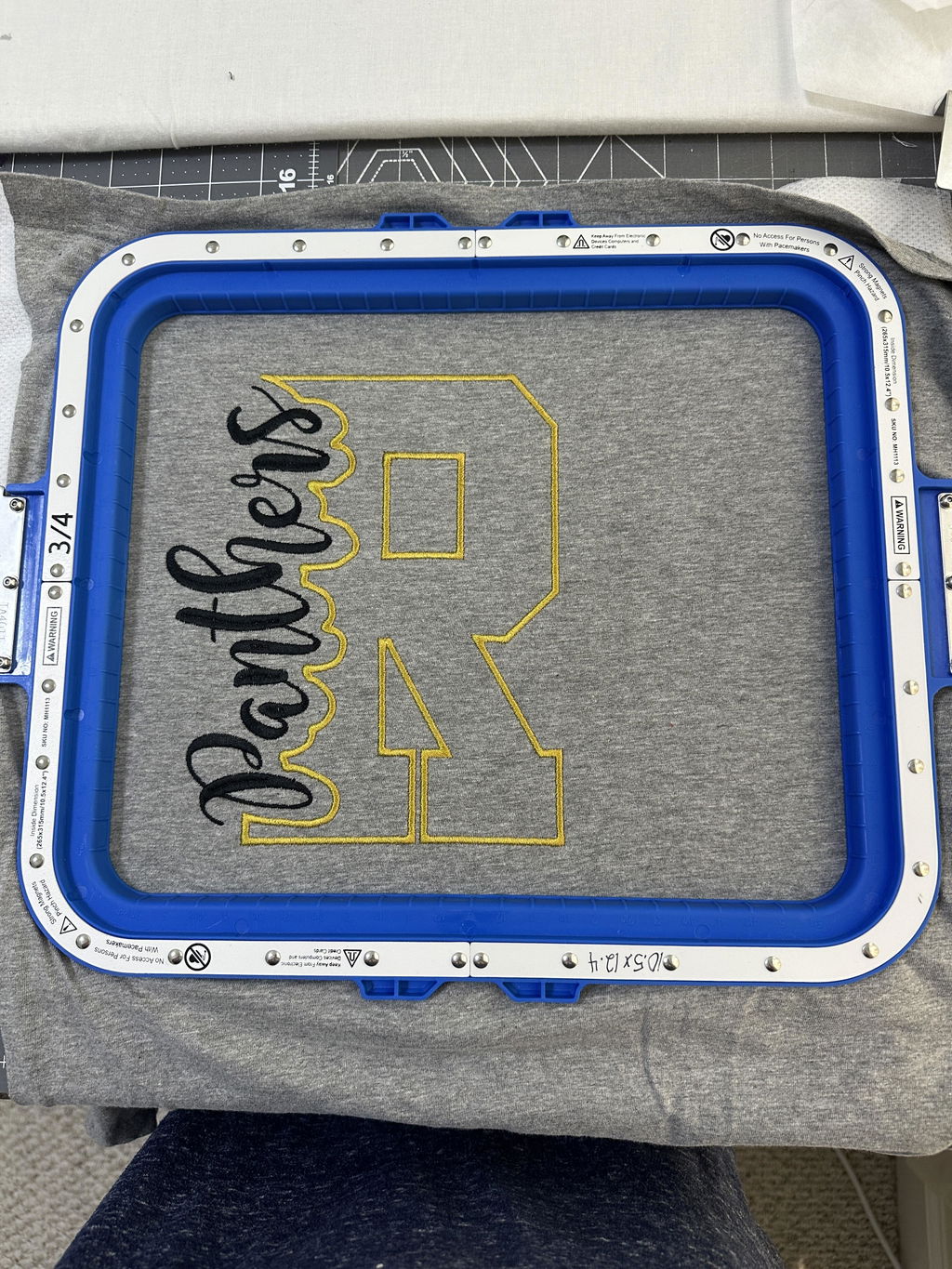
A notable workflow boost comes from Sewtalent’s magnetic embroidery hoop. These hoops streamline setup, help minimize fabric distortion, and support efficient garment embroidery—complementing the strengths of leading software options.
Table of Contents
- 1. Introduction: Navigating the Embroidery Digitizing Landscape
- 2. Top 6 Embroidery Digitizing Software Compared (2025 Edition)
- 3. Mastering the Learning Curve: Resources for Beginners
- 4. Specialized Tools for Advanced Projects
- 5. Free vs Premium: Choosing Your Software Path
- 6. Future-Proofing Your Setup: Upgrades & Compatibility
- 7. Conclusion: Building Your Ideal Digitizing Toolkit
- 8. FAQ: Embroidery Digitizing Software Essentials
2. Top 6 Embroidery Digitizing Software Compared (2025 Edition)
2.1 Professional Powerhouses: Wilcom vs Tajima DG/ML
Wilcom delivers sophisticated vector handling and realistic color blending, suiting intricate commercial work where precision is paramount. Tajima DG/ML focuses on fashion and textile workflows, offering flexible digitizing and broad compatibility with file formats and machines. Sewtalent hoops work well with both, helping maintain consistent fabric tension and reducing downtime—pairing especially well with magnetic hoops for embroidery machines in large-scale production.
2.2 Mid-Range Champions: Hatch vs Chroma
Hatch (by Wilcom) offers tiered licenses—such as Composer and Digitizer—plus approachable auto‑digitizing and Windows/Mac flexibility. Chroma, integrated with Ricoma machines, provides structured learning via its Inspire, Plus, and Luxe tiers, aligning features to growth. Each platform makes it easier to convert designs and produce polished results.
2.3 Budget-Friendly Options: Embrilliance vs Ink/Stitch
Embrilliance emphasizes a friendly interface and essential editing tools, with a one‑time purchase model and compatibility across common home brands. Ink/Stitch, an open-source option, brings core digitizing functions and a supportive community. While Ink/Stitch lacks some high‑end capabilities, both choices let newcomers explore digitizing without a steep financial commitment.
3. Mastering the Learning Curve: Resources for Beginners
3.1 Essential Training Programs Compared
With the right embroidery software education, progress comes faster. Hatch Academy offers a structured curriculum with hands‑on exercises that address thread breaks and stitch sequencing. Udemy complements this with project‑based courses at varied levels. YouTube—particularly channels like "Digitizing Made Easy"—adds visual, step‑by‑step guidance. If you’re pairing training with an embroidery machine for beginners, start with simple projects to build confidence.
3.2 Key Techniques Every New Digitizer Should Master
Stitch density control and path sequencing are foundational. Learning to adjust stitches per inch (SPI) and sequence objects reduces thread breaks and keeps stitching smooth. Practicing with Sewtalent’s magnetic hoops helps preserve tension and let beginners focus on core techniques, making magnetic hoops a practical training companion.
4. Specialized Tools for Advanced Projects
4.1 Auto-Digitizing Showdown: Accuracy vs Customization
Hatch’s tiered automation can convert vector and bitmap images with minimal manual input and supports combining and resizing multi‑hoop layouts. Embird’s Sfumato Stitch shines at turning photos into realistic stitch patterns by analyzing color and shape. Both may require manual refinement for intricate gradients and fine details.
For garment workflows, reliable multi‑hoop handling matters. Hatch’s automation helps merge designs and manage complex layouts for multi‑needle users, while Sewtalent’s large-format hoops maintain fabric stability—benefiting teams that also rely on magnetic embroidery frames to prevent misalignment.
4.2 Lettering & Multi-Hoop Mastery
Bernina’s TrueType conversion and Embird’s TTF/OTF support simplify custom lettering, while Hatch’s advanced density editing improves readability on fabric. When text and intricate graphics meet, precise control over stitch spacing and direction keeps results crisp. Large-format Sewtalent hoops further support complex multi‑section designs by maintaining consistent tension.
5. Free vs Premium: Choosing Your Software Path
5.1 When Open-Source Makes Sense: Ink/Stitch Case Studies
Ink/Stitch integrates with Inkscape, exports common formats like DST and EXP, and removes cost barriers. The tradeoff is a steeper learning curve and reliance on community resources. It’s an excellent entry point for hobbyists and small businesses exploring simple designs and free design kits, while premium tools can take over for complex work.
5.2 Investment-Worthy Premium Features
Wilcom’s professional toolset—advanced editing, vector integration, and realistic blending—sets a high bar for commercial studios. Hatch offers an accessible on‑ramp with features like Photo Stitch, appliqué tools, and CorelDRAW GEM integration, plus structured learning via Hatch Academy. Together, these capabilities support scalability, high‑volume production, and fine control over outcomes.
6. Future-Proofing Your Setup: Upgrades & Compatibility
6.1 From Hatch to Wilcom: Scaling Your Software
Hatch’s tiered licenses ease newcomers into Wilcom’s ecosystem. Upgrading to EmbroideryStudio unlocks commercial features like wireless design transfer and embroidery automation APIs, plus compatibility with 70+ formats used by home and industrial machines. Building skills with multi‑hooping and appliqué in Hatch makes the transition smoother.
6.2 Cross-Platform Performance: Windows vs Mac
Hatch is built for Windows but can run on Mac via Boot Camp. If you prefer native Mac use, Janome Artistic offers a straightforward experience. Both support a broad range of machines, which helps users standardize their workflows and keep hardware options open.
7. Conclusion: Building Your Ideal Digitizing Toolkit
Choose software based on project type, budget, and growth plans. Wilcom and Hatch excel at intricate, commercial‑grade work; Embrilliance and Ink/Stitch let newcomers learn affordably. Across all setups, Sewtalent’s magnetic hoops help streamline hooping and stabilize fabric. The right mix of an embroidery sewing machine and a capable digitizing platform can raise your creative ceiling and deliver professional results.
8. FAQ: Embroidery Digitizing Software Essentials
8.1 Q: What file formats are commonly used in embroidery digitizing software?
A: Common formats include .dst, .pes, .exp, .hus, and .vp3. Ensure your chosen app can export to the format your machine requires.
8.2 Q: How do I ensure compatibility between my embroidery machine and digitizing software?
A: Verify the software can export your machine’s format. Trial versions help you test before buying, and user communities provide practical compatibility tips.
8.3 Q: What learning resources are available for beginners in embroidery digitizing?
A: Explore structured courses such as Hatch Academy and Udemy, plus YouTube channels like "Digitizing Made Easy" for visual walkthroughs and practice assets.