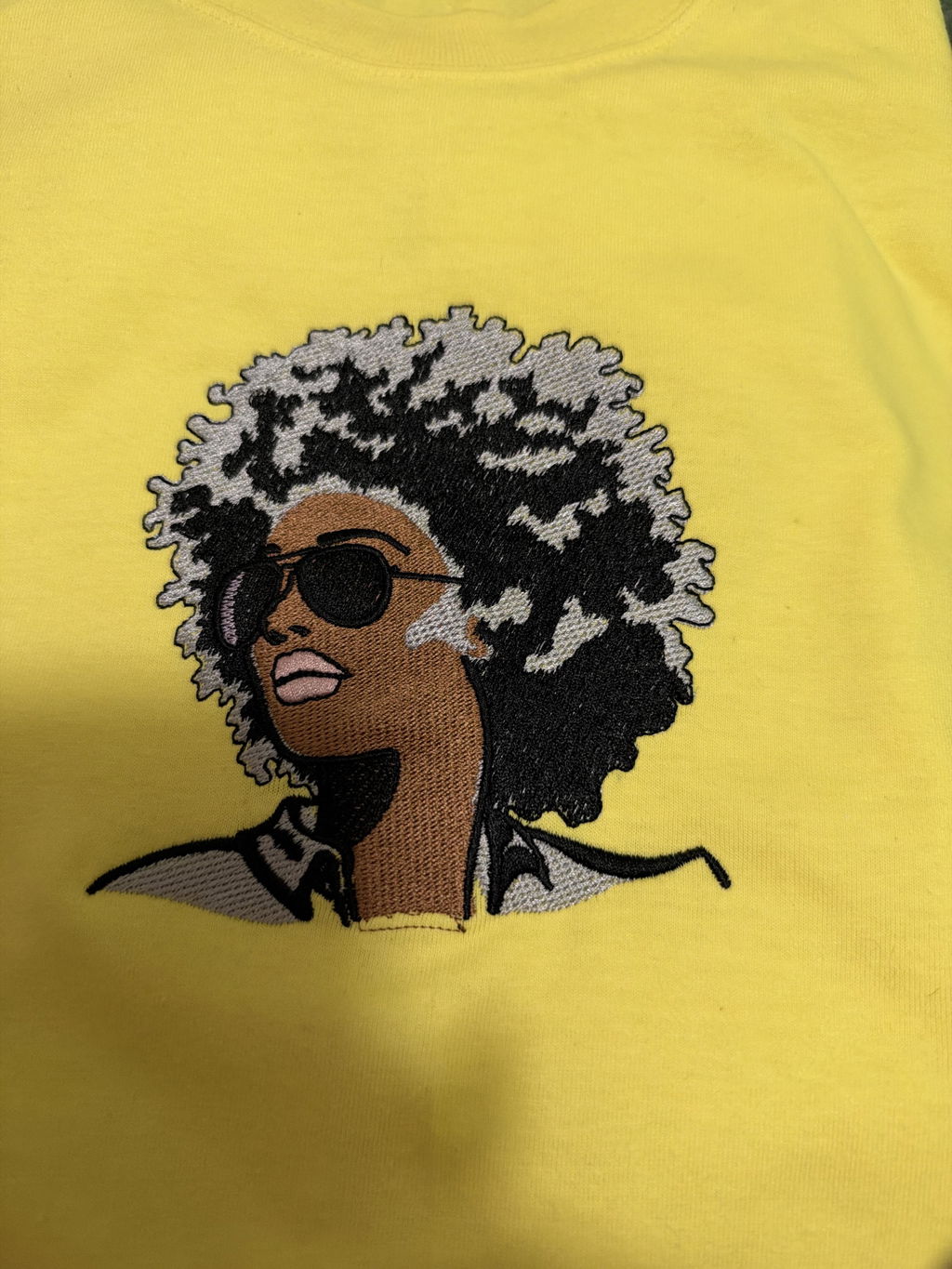
1. Introduction to SmartStitch Embroidery Machines
SmartStitch embroidery machines are a favorite for commercial studios and dedicated home makers alike. Whether you are a pro or new to the craft, the lineup blends power, precision, and ease with an intuitive workflow. This guide covers setup, operation, advanced techniques, and maintenance, plus an overview of models, materials, and long-term value—so you can unlock more creative potential with confidence.
Table of Contents
- 1. Introduction to SmartStitch Embroidery Machines
- 2. Getting Started: Setup and Beginner Usability
- 3. Core Operations and Techniques
- 4. Technical Capabilities and Material Handling
- 5. Creative Projects and Digitization
- 6. Troubleshooting and Maintenance
- 7. Value Analysis and Long-Term Reliability
- 8. Conclusion: Maximizing Your SmartStitch Experience
- 9. Frequently Asked Questions
2. Getting Started: Setup and Beginner Usability
SmartStitch is designed to welcome newcomers while supporting experienced embroiderers. If you are considering an embroidery machine for beginners, the onboarding experience is approachable and practical.
2.1 Unboxing and Initial Setup Process
Inside the box, you will find a curated starter set: a toolset (allen wrenches and pliers), multiple hoops, stabilizers, a bobbin winder, and USB connectivity. This reduces extra shopping and gets you stitching faster. These machines are heavy—have a helper to lift and mount the unit safely on its stand. As one user put it, \"When I say heavy, I mean heavy.\"
Assembly is straightforward with detailed YouTube tutorials and visual guides provided via Amazon receipts. Most units arrive well-packaged to minimize shipping issues. Expect a modest learning curve, especially around thread tension and management. Sensitivity to tension can feel daunting at first, but customer support and a vibrant user community ease the process.
2.2 Mastering the Touchscreen Interface
SmartStitch models feature a 7-inch (and up to 12-inch on some models) touchscreen that feels familiar—tap, swipe, and adjust. You can import DST, DSB, or PES files via USB, rotate and resize designs, select hoop sizes, align fabric with on-screen guides, and trace outlines to avoid collisions. Advanced features like design combinations and color sequencing may take practice, but experimentation accelerates mastery.
2.3 Training Resources for New Users
- Official documentation and blog guides cover setup, best practices, and troubleshooting.
- Community groups and ambassador channels offer real-time help; video support bridges time zones.
- YouTube and Patreon tutorials provide step-by-step coaching for tasks like threading, hooping, and hats.
Key takeaway: SmartStitch balances affordability and functionality for beginners; confidence grows with practice, documentation, and community interaction.
3. Core Operations and Techniques
Once setup is done, core techniques help you move from first runs to professional results—digitizing, tension control, smart hooping, and appliqué.
3.1 Design Management: Input/Output Workflows
Upload custom or built-in designs, transfer via USB, and work in standard formats like DST and DSB. Choose hoop size and stabilizer (tear-away for sturdy fabrics, cut-away for stretch). Use the touchscreen to preview, rotate, position, combine, and save layouts, and trace paths to confirm safe boundaries.
3.2 Threading and Tension Optimization
Use the iron wire tool to guide thread through plastic rails and numbered guides, then thread the needle front to back. Pull the bobbin thread to form a loop beneath the needle plate and test with slow stitches. Fine-tune tension discs to correct uneven stitches or breaks. Video tutorials highlight pitfalls such as missing a guide or missetting the take-up spring.
3.3 Advanced Hooping Solutions for Garments
Traditional hoops struggle with thickness and can cause hoop burn. Magnetic hooping systems change the game—especially the Sewtalent option. The sewtalent magnetic hoops deliver even tension, adapt automatically to garment thickness, and can cut setup time by up to 90%. They are ideal for garments of diverse materials but are not suitable for cap embroidery.
3.4 Appliqué Techniques Step-by-Step
- Preparation: Preshrink appliqué fabric or use pre-stabilized materials.
- Outline Stitching: Stitch the placement outline on the base fabric.
- Fabric Cutting: Cut precisely along the outline.
- Placement: Secure the appliqué with spray adhesive or an appliqué iron.
- Tack Down: Stitch and use offset points to pause for trimming.
- Final Embroidery: Finish with satin borders and details.
- Adhesion: Use a heat press or iron to bond permanently.
Pair stabilizers to fabric type, and always test on scrap before the final piece.
4. Technical Capabilities and Material Handling
SmartStitch S1001, S1201, and S1501 offer distinct strengths—cap customization, balanced versatility, and large-field, multicolor production.
4.1 Model Comparison: S1001 vs S1201 vs S1501
| Feature | S1001 | S1201 | S1501 |
|---|---|---|---|
| Max Speed | 1200 SPM | 1200 SPM | 1200 SPM |
| Embroidery Area | 9.5\" x 14.2\" | 9.5\" x 12.6\" | 13.8\" x 19.7\" |
| Needles | 10 | 12 | 15 |
| Memory Capacity | 32 million stitches | 100 million stitches | 100 million stitches |
| Display | 7\" touchscreen | 7\" LCD touchscreen | 7\" LCD touchscreen |
| Weight | Not specified | 39 kg (compact design) | Not specified |
What this means:
- S1001: Tailored for caps, featuring an 11.8\" x 2.76\" cap area.
- S1201: A balanced pick with 12 needles and large memory for mixed projects.
- S1501: A production powerhouse with 15 needles and the largest field for complex, multicolor work.
All models stitch at up to 1200 SPM, offer laser positioning, auto-thread trimming, and color change, plus USB transfers for DST/DSB. The smartstitch s1501 is the go-to for high-volume output and intricate designs.
4.2 Material Compatibility and Fabric Solutions
SmartStitch handles caps, denim, canvas, leather, vinyl, finished garments, bags, and shoes. Adjustable components and laser positioning help place designs precisely, even on curved or irregular surfaces.
| Material | S1001/S1201 | S1501 |
|---|---|---|
| Caps | 11.8\" x 2.76\" cap area | Suitable for bulk production |
| Denim/Canvas | Full compatibility | Full compatibility |
| Leather/Vinyl | Supported | Supported |
| Finished Garments | Yes | Yes |
| Bags/Shoes | Yes | Yes |
Pro tip for thick fabrics: Consider pairing your workflow with magnetic embroidery hoops to minimize hoop burn, prevent distortion, and speed setup—especially on bulky towels and multi-layered garments. Choose stabilizers wisely: tear-away for sturdy fabrics; cut-away for stretch or delicate materials.
5. Creative Projects and Digitization
SmartStitch blends art and engineering for hats, towels, bags, and beyond, while file compatibility and workflow safeguards keep production smooth.
5.1 Hat, Towel, and Bag Embroidery
- Caps: S1001 specializes in headwear with an 11.8\" x 2.76\" area and laser positioning for accurate alignment.
- Towels: S1201’s 9.5\" x 12.6\" area and 1200SPM speed tame dense terry cloth when paired with tear-away stabilizer.
- Bags: S1501’s 13.8\" x 19.7\" field supports large totes and backpacks with multicolor designs.
Hooping securely is essential; for thick materials, consider magnetic hoops for embroidery machines to achieve even tension and quicker setup.
5.2 Digitization and File Management
SmartStitch accepts DST and DSB via USB, with some models also reading PES. Use the touchscreen (7\" or 12\") to select, rotate, and edit, and rely on auto color change for multicolor runs. For oversized projects, split designs and use multi-hoop stitching; power-off resume safeguards work during outages. If you prefer modular, clamp-like setups during multi-hoop workflows, magnetic embroidery frames can help streamline repeatable alignment.
Tips:
- Test on inexpensive fabric before stitching final items.
- Tap into SmartStitch communities for troubleshooting, inspiration, and workflow refinement.
6. Troubleshooting and Maintenance
Every machine has quirks; SmartStitch provides clear fixes and a straightforward care routine to keep your embroidery sewing machine running smoothly.
6.1 Solving Common Errors
Needle breakage: Often caused by incorrect tension, misaligned bobbin case, or debris. Adjust tension, clean the bobbin case, use the correct needle type, and clear the needle plate.
Thread issues:
- Color-changing code zero: Check routing and sensor alignment; reset if needed.
- Trimming length too long: Settings > User Parameter > Trim Parameter; set trimming length to 7.
- Thread breakage: Replace old threads, reduce speed, and clear the path with compressed air.
Mechanical and axis errors:
- Main Axis 100 error: Power-cycle; contact support if unresolved.
- Presser foot malfunction: Clean the area and ensure the foot is fully raised.
Use the manual to reset user parameters and restore factory settings when necessary.
6.2 Routine Maintenance Schedule
| Component | Frequency | Procedure |
|---|---|---|
| Right Head Side Holes | Weekly | Inject 2–5 drops of sewing machine oil into holes on the right head. |
| Shaft | Weekly | Spray lithium grease on the shaft after removing the metal cover. |
| Upper Needle Bar | Every 2 months | Apply 1–2 drops of oil to each slot in the upper needle bar. |
| Sewing Arm Hoses | Weekly | Add 2–5 drops of oil to the hoses on the sewing arm. |
| Rotary Hook | Every 4 hours | Inject 2 drops of oil and clean thoroughly with a brush. |
Clean the bobbin case after each use and keep the thread path free of dust and fragments.
Support and resources: A 1-year limited warranty covers parts and labor (90 days for standard accessories), with free online classes, YouTube tutorials, live demos, and remote video support.
7. Value Analysis and Long-Term Reliability
SmartStitch offers mid-tier pricing with commercial-grade features and a supportive ecosystem, while long-term data remains largely user-reported.
7.1 Price Comparison and Market Position
| Model | Price | Key Features | Transparency |
|---|---|---|---|
| SmartStitch S1001 | $4,199 | 10 needles, 1200 SPM, 9.5\"x14.2\" area, starter kit | Limited (no breakdown) |
| Brother SE2000 | ~$500–$1,000 | 6–10 needles, smaller area, intuitive controls | Higher (entry-level clarity) |
| Brother (Commercial) | Up to $10,000 | Advanced features, larger area | Varies |
| Tajima Entry-Level | $3,000+ | 12–15 needles, industrial build | Moderate |
| Tajima High-End | $40,000+ | Multi-head, industrial scalability | High (dealer-based) |
| Barudan 2-Head | $25,000–$35,000 (new) | 15 needles, servo motors, large field | High (new/used pricing) |
| Galaxy GX1501 | $1,905–$1,925 | 15 needles, 400×600mm area | Moderate |
SmartStitch bridges hobbyist and industrial spaces with approachable pricing and features. Note that itemized inclusions, financing, and certified refurbished options are not advertised.
7.2 Durability Insights and Warranty
Warranty: 1-year for parts and labor; 90 days for standard accessories. Claimed conveniences include wide voltage adaptability (80V–260V) and power-off resume. User reports note occasional main shaft alignment errors, color-change hiccups, and tension sensitivity, with community and ambassador support mitigating issues. Independent long-term testing data is not published.
8. Conclusion: Maximizing Your SmartStitch Experience
SmartStitch balances speed, versatility, and affordability for small studios and ambitious home embroiderers. Practice on low-cost fabrics before commercial runs, choose stabilizers by fabric type, and lean on the active community and tutorials when you hit a snag. With focused technique and routine maintenance, your creative journey is just getting started.
9. Frequently Asked Questions
9.1 Q: What file formats does SmartStitch support?
A: SmartStitch machines work with DST and DSB, and some models also accept PES. Import via USB.
9.2 Q: What hoop sizes are available for SmartStitch machines?
A: S1001 offers a 9.5\" x 14.2\" embroidery area and an 11.8\" x 2.76\" cap area. S1501 provides up to a 13.8\" x 19.7\" workspace, supporting hats, towels, and oversized bags.
9.3 Q: How do I fix thread tension issues?
A: Follow the threading path exactly, use the iron wire tool, and adjust tension discs gradually. If stitches are uneven or breaking, recheck the bobbin and verify the take-up spring is set to 90 degrees before starting.
9.4 Q: What does the warranty cover, and how do I make a claim?
A: The warranty is 1 year for parts and labor (90 days for standard accessories). Contact SmartStitch support with proof of purchase and issue details; remote video assistance and repair guidance are available.