1. Introduction to Baby Lock Alliance Capabilities
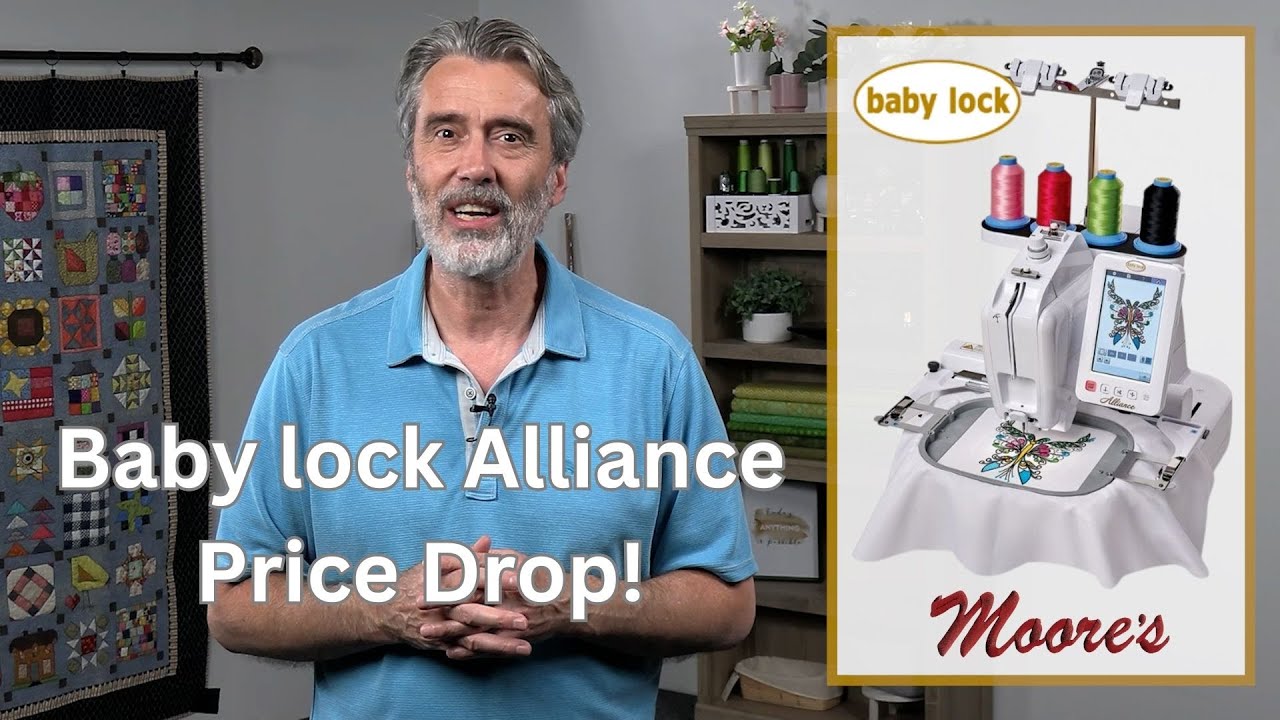
The Baby Lock Alliance is a single-needle embroidery powerhouse built for professionals and passionate makers. Its free-arm architecture, sturdy construction, and intuitive interface let you stitch inside pockets, sleeves, caps, and 3D items with confidence.
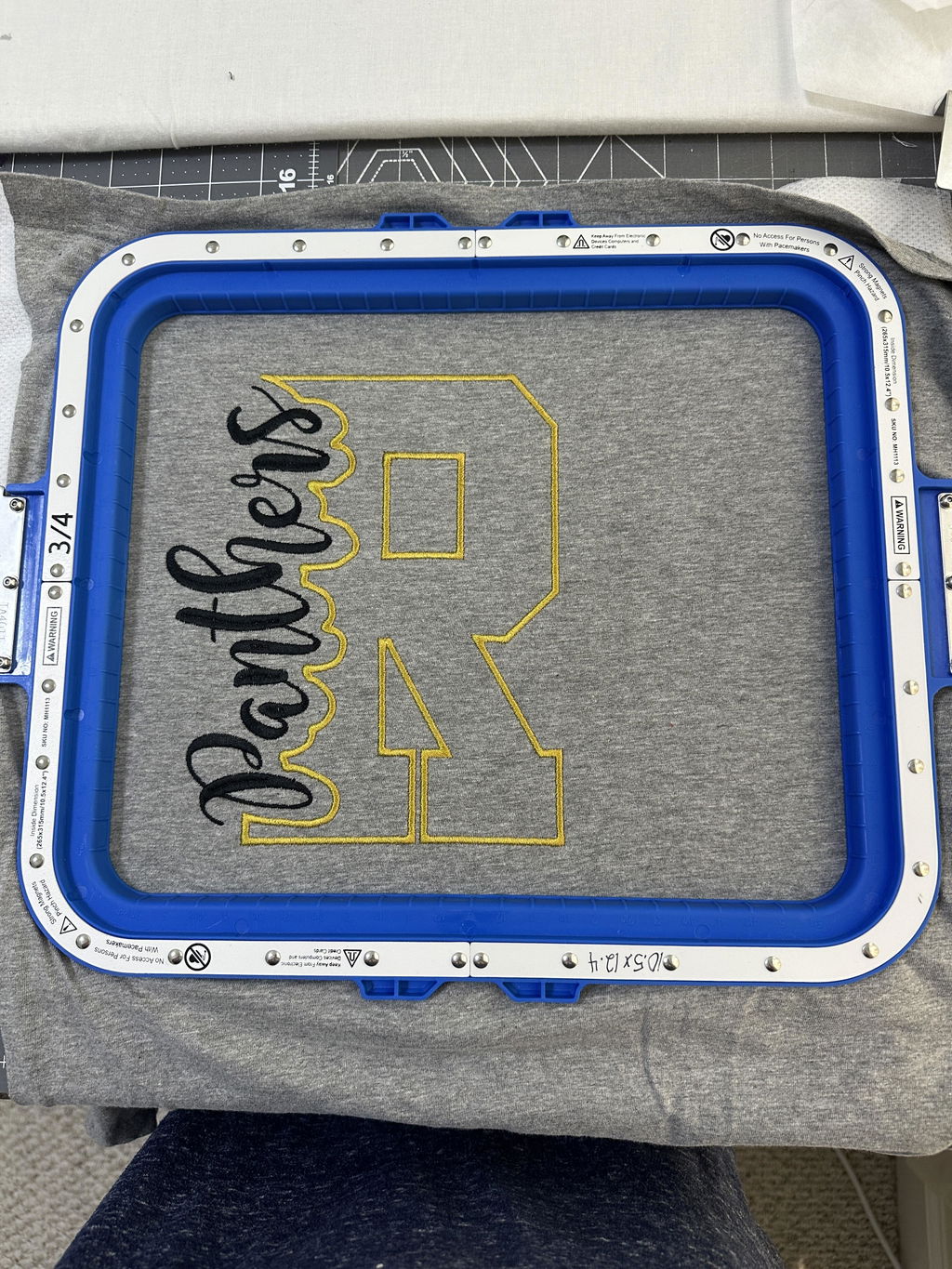
This guide explains core features, buying insights, advanced workflows, and maintenance routines so you can produce monograms, logos, and custom pieces efficiently. When paired with magnetic embroidery hoops for babylock, the Alliance becomes even faster to set up and gentler on fabrics—great for both one-off creations and short runs.
Table of Contents
- 1. Introduction to Baby Lock Alliance Capabilities
- 2. Technical Specifications and Heavy-Duty Performance
- 3. Purchasing Guide and Commercial Value Analysis
- 4. Advanced Operation Techniques
- 5. Maintenance and Long-Term Reliability
- 6. Custom Design Implementation Strategies
- 7. Conclusion: Maximizing Your Investment
- 8. FAQ: Baby Lock Alliance Essentials
2. Technical Specifications and Heavy-Duty Performance
2.1 Core Engineering: Free-Arm Design & IQ Technology®
The Alliance’s narrow, single-needle free arm brings embroidery to tight, curved, or tubular spaces that flatbeds can’t reach. An expansive 8" x 8" embroidery field offers room for bold monograms and detailed motifs without sacrificing maneuverability inside confined areas.
- Speed and precision: Up to 1,000 stitches per minute balances throughput with accuracy.
- Real-time correction: IQ Technology® dynamically refines stitch placement, reducing misalignment by up to 90%.
- On-screen editing: A 10.1" TruView LCD (260,000 colors) enables rotate, resize, align, and color sort to minimize thread changes.
Versatility at its core:
- Narrow free-arm for pockets, sleeves, and curved seams
- Small hoops and frames for hats, bags, and plush toys
- Confident 3D embroidery across irregular surfaces
Automation and convenience:
- Automatic thread trimmer for clean sequence ends
- Upper thread breakage sensors to catch issues immediately
- Quick-Set Bobbin with a front-loading vertical rotary hook; compatible with pre-wound bobbins
2.2 Complex Item Embroidery: Hats, Bags & 3D Objects
Hats and caps are no longer off-limits. With specialized accessories such as MaggieFrame magnetic hoops, setup time drops by about 50% versus screw-based hoops while maintaining even tension. A baby lock magnetic hoop helps secure curved profiles, and the machine can auto-flip designs when a cap frame is detected for correct orientation.
Bags, pockets, and bulky items benefit from the narrow arm and robust hoop options. Embroidery grips and small frames deliver precise placement on thick or awkward shapes without sticky stabilizer residue. Stuffed animals, beanies, and socks are also fair game thanks to mini hoops and the free-arm structure.
For garments, magnetic hoops (for example, options from Sewtalent) adapt to various fabric thicknesses, keep tension even, and substantially cut hooping time—ideal for high-volume orders or reducing operator fatigue.
3. Purchasing Guide and Commercial Value Analysis
3.1 Price Comparisons & Current Promotions
Positioned as a mid-to-high-end solution, the Alliance brings commercial-grade capability at an appealing price point.
- Standard Price: $5,099.99
- Sale Price: $4,999.00 (discounted from $6,999.00)
- Competitive edge: About 25% less expensive than the Janome MB-4S
Included accessories: Each unit ships with six standard hoops covering everything from tiny pockets to full 8" x 8" designs. Confirm hoop sizes and any promotional add-ons—some dealers offer free shipping thresholds and limited-time cap frame sets. Those six standard babylock hoops cover a wide range of project needs.
Commercial considerations:
- 1,000 SPM for efficient production
- 8" x 8" max field for most commercial motifs
- 68 lbs for stability with manageable portability
- Automation for reduced labor and fewer errors
Key takeaway: The Alliance bridges hobbyist and commercial needs with free-arm versatility, specialized hoops, and smart automation—especially compelling during promotions.
3.2 ROI Calculations for Business Startups
Break-even can happen quickly with the right mix of projects.
- Premium projects: 50–100 custom items (hats, bags, gifts) can cover the machine’s cost.
- Basic orders: 250+ standard items if pricing is lower and volume is higher.
Efficiency boosts: Magnetic hoops and specialized frames speed hooping, while color sorting, automatic trimming, and on-screen editing cut production time and mistakes. Saving minutes per hooping adds up to hours over weeks and months—key for turning a side hustle into a steady business.
Pro tip: Track costs, time per item, and accessory value. The Alliance’s speed, precision, and free-arm flexibility underpin dependable ROI.
4. Advanced Operation Techniques
4.1 Hoop Selection Matrix for Different Fabrics
Choosing the right hoop shapes every outcome. Six hoops—from 2" x 2" to 8" x 8"—cover small accessories through oversized motifs.
| Hoop Size | Best For | Recommended Fabrics |
|---|---|---|
| 2" x 2" | Monograms, small accessories | Stretchy knits (jersey), silk, delicates |
| 4" x 4" | Pockets, sleeves, baby items | Medium-weight cotton, linen |
| 8" x 8" | Quilts, tablecloths, large logos | Heavy textiles (denim, canvas) |
Stabilizer recommendations:
- Stretchy or unstable fabrics: Tear-Away Firm (e.g., BLT-103) to prevent distortion
- Delicates: Lightweight tear-away or wash-away to avoid puckering
- Heavy textiles: Pair with cut-away for support
Magnetic hoops for garments: Third-party options—such as Sewtalent—adapt to fabric thickness, prevent hoop burn, and speed setup. For many apparel jobs, babylock magnetic hoops combine quick alignment with gentle handling, ideal for beginners and busy studios alike.
Placement & preview tools: Use tracing and the needle beam to preview position. Test stitch on scrap with your chosen hoop and stabilizer to confirm density, tension, and alignment before committing.
4.2 Color Sorting Optimization Workflows
Whether you use a standard frame or a magnetic embroidery hoop, color sorting reduces rethreading and streamlines batching.
Step-by-step color sorting:
- Prepare your design via USB on the TruView LCD. Adjust text, colors, and alignment on the Edit page.
- Tap Color Sort to group identical thread colors and minimize changes.
- Review the optimized stitch order, especially with repeating motifs or multi-letter designs.
- Use Monochromatic mode for single-thread jobs to eliminate color changes entirely.
- Verify default density and speed (black boxes) and tweak for specialty threads or dense fills.
Real-world example: Consolidate all silver sections, then all carmine, instead of alternating back and forth—like batching errands instead of zigzagging across town.
Workflow enhancements:
- Stage threads on multiple spool pins
- Use the thread cutter and needle threader to accelerate swaps
5. Maintenance and Long-Term Reliability
5.1 Bobbin Case Care & Rotary Hook Maintenance
Treat your machine like a tuned instrument—regular care yields smooth, reliable stitching.
Metal bobbin case maintenance:
-
Routine cleaning - Unplug first; remove needle, thread, and throat plate. - Clear lint from the metal basket under the bobbin. - Inspect the case edge for scratches; nicks can cause skipped stitches. - Reinstall until you hear the secure “snap.”
-
Oiling and lubrication - Add a single drop to the rotary hook once or twice a year (usage-dependent). - Use a fine-point oiler; avoid excess. - Lightly oil needle pads every 40–50 sewing hours.
-
Preventative measures - If using canned air, rotate the handwheel and avoid shaking the can. - After embroidery sessions, sew a few decorative stitches to keep feed systems lubricated.
Rotary hook system maintenance:
- Always raise the needle fully before replacing the bobbin case.
- For “Inappropriate Needle Stop” or E3-20, reset the hook via the control panel; persistent skipping may indicate timing issues for a technician.
Troubleshooting common issues:
| Issue | Likely Cause | Solution |
|---|---|---|
| Skipped stitches | Bobbin case misalignment | Reset with a firm snap; inspect for scratches; clean thoroughly |
| Hook errors | Needle not fully raised | Raise needle before replacing bobbin case |
| Lint buildup | Insufficient cleaning | Use compressed air and rotate handwheel |
| Motor noise | Lack of lubrication | Oil annually and check connections |
Professional servicing: Schedule annual service under heavy use. Follow manufacturer guidelines to maintain warranty coverage.
6. Custom Design Implementation Strategies
6.1 USB Workflow for Multi-Hoop Productions
Dual USB port power:
- Type A and Type B: Import designs from flash drives, computers, or CD-ROMs
- Supported formats: .pes, .phc, .pec, .dst, and more
Batch processing techniques:
- Design transfer: Load via USB, preview and edit on the TruView LCD, then save to memory or stitch immediately.
- Multi-hoop management: With six included hoops (plus optional cap and magnetic options), queue multiple projects in sequence. IQ Technology® helps align stitches accurately—critical for large or multi-hoop designs.
- Design duplication & rotation: Duplicate or rotate patterns across hoops without removing fabric—ideal for team uniforms, bulk monograms, or quilt panels.
- Color editing & visualization: The 260,000-color LCD helps preview thread changes. For advanced edits, use Baby Lock embroidery software or third-party tools before import.
Workflow enhancements:
- Magnetic hoops for garments: magnetic hoops for babylock embroidery machines can slash hooping time while maintaining even tension—especially useful when juggling multiple orders.
- Design Database Transfer compatibility: Useful for wireless or SD card imports when coordinating several machines.
Limitations & workarounds:
- For advanced gradients, refine in external software before import.
- Very tight or unusual spaces may require manual adjustments even with specialized hoops.
Curiosity gap: Imagine boosting output by 150% through multi-hoop batching and on-screen optimization—your creativity (and coffee supply) may be the only limit.
7. Conclusion: Maximizing Your Investment
The Baby Lock Alliance combines free-arm access, robust engineering, and smart automation to elevate both creative studios and small businesses. At up to 1,000 SPM, with real-time stitch correction, on-screen editing, and streamlined color sorting, it converts downtime into output.
From personalized gifts to bulk apparel orders, it adapts to your goals. Pair the right stabilizers with the included hoops—and consider your ideal babylock magnetic hoop sizes—to fine-tune results and efficiency. Investing in a Baby Lock embroidery machine like the Alliance is a practical step toward better quality, faster turnaround, and satisfied clients.
8. FAQ: Baby Lock Alliance Essentials
8.1 Q: What file formats does the Baby Lock Alliance support?
A: Supported formats include .pes, .phc, .pec, and .dst, enabling easy imports from common embroidery software via USB.
8.2 Q: What are the warranty terms for the Baby Lock Alliance?
A: Terms vary by region and dealer. Expect a limited parts-and-labor warranty for a defined period; confirm exact coverage with your retailer and keep proof of purchase.
8.3 Q: How do I troubleshoot skipped stitches on the Alliance?
A: Reset the bobbin case until it snaps, inspect for scratches, and clear lint. Ensure the needle is fully raised before replacing the case; try a fresh needle if needed. Persistent issues may require service.
8.4 Q: Can I use third-party hoops or accessories with the Alliance?
A: Yes. The machine works with a range of hoops and accessories, including magnetic hoops for garment embroidery (such as Sewtalent) and frames for hats and bags. Verify compatibility with your model before buying.
8.5 Q: Is the Alliance suitable for business use or just hobbyists?
A: Both. Commercial-grade components, automation, and versatile hoops make it a strong option for small businesses, educators, and advanced hobbyists.