1. Introduction to Brother Stellaire Innovation
The Brother Stellaire series is a leap forward in modern machine embroidery, merging creative control with advanced placement and workflow tools. Known for Disney integration and large-format capability, the lineup serves hobbyists and professionals using a brother embroidery machine. With the My Design Snap app for precise alignment and a generous 240x360mm embroidery area, the Stellaire platform empowers ambitious projects without sacrificing accuracy.
Table of Contents
- 1. Introduction to Brother Stellaire Innovation
- 2. Technical Specifications & Core Features
- 3. Maximizing Production Efficiency
- 4. Creative Design Implementation
- 5. Software Ecosystem & Machine Integration
- 6. Investment Considerations & Upgrades
- 7. Advanced Maintenance & Long-Term Care
- 8. Conclusion: Elevating Your Embroidery Practice
- 9. FAQ: Brother Stellaire Essentials
2. Technical Specifications & Core Features
2.1 Embroidery Area & Speed Capabilities
The Stellaire XJ1 and XE1 provide a 240x360mm (9.5" x 14") field that comfortably handles quilts, curtains, and other large compositions. This expansive workspace pairs well with brother embroidery hoops to stage wide designs with consistent control. Both models reach up to 1,050 stitches per minute (spm), balancing precision and productivity for home or small commercial setups.
The XJ1 is a sewing-and-embroidery combo, while the XE1 is embroidery-only. This choice lets you favor versatility or a focused embroidery workflow. A laser positioning system further refines accuracy so every stitch lands exactly where it should.
2.2 Disney Integration & Mobile App Synergy
A standout of the Stellaire line is Disney integration: the XJ1 and XE1 include 101 exclusive Disney embroidery designs, from classics to modern favorites. This built-in library means you can begin Disney-themed projects immediately.
My Design Snap elevates placement and customization by capturing hooped-fabric images and aligning designs on the machine’s HD screen. It also supports image-to-stitch conversion so line art becomes embroidery data without traditional digitizing software. Wi‑Fi compatibility streamlines transfers and complex placements.
Precise digital placement also complements a brother magnetic frame when you need repeatable positioning on multiple items.
3. Maximizing Production Efficiency
3.1 Color Shuffling & Automated Thread Management
Color shuffling lets you rearrange thread colors in built-in designs without changing stitch counts, reducing downtime during color changes and enabling themed palettes (including Disney). Automated thread trimming minimizes waste and manual intervention, particularly on large or multi-color runs. The XE2 highlights trimming as a key productivity enhancer.
3.2 Optimizing Garment Embroidery Workflows
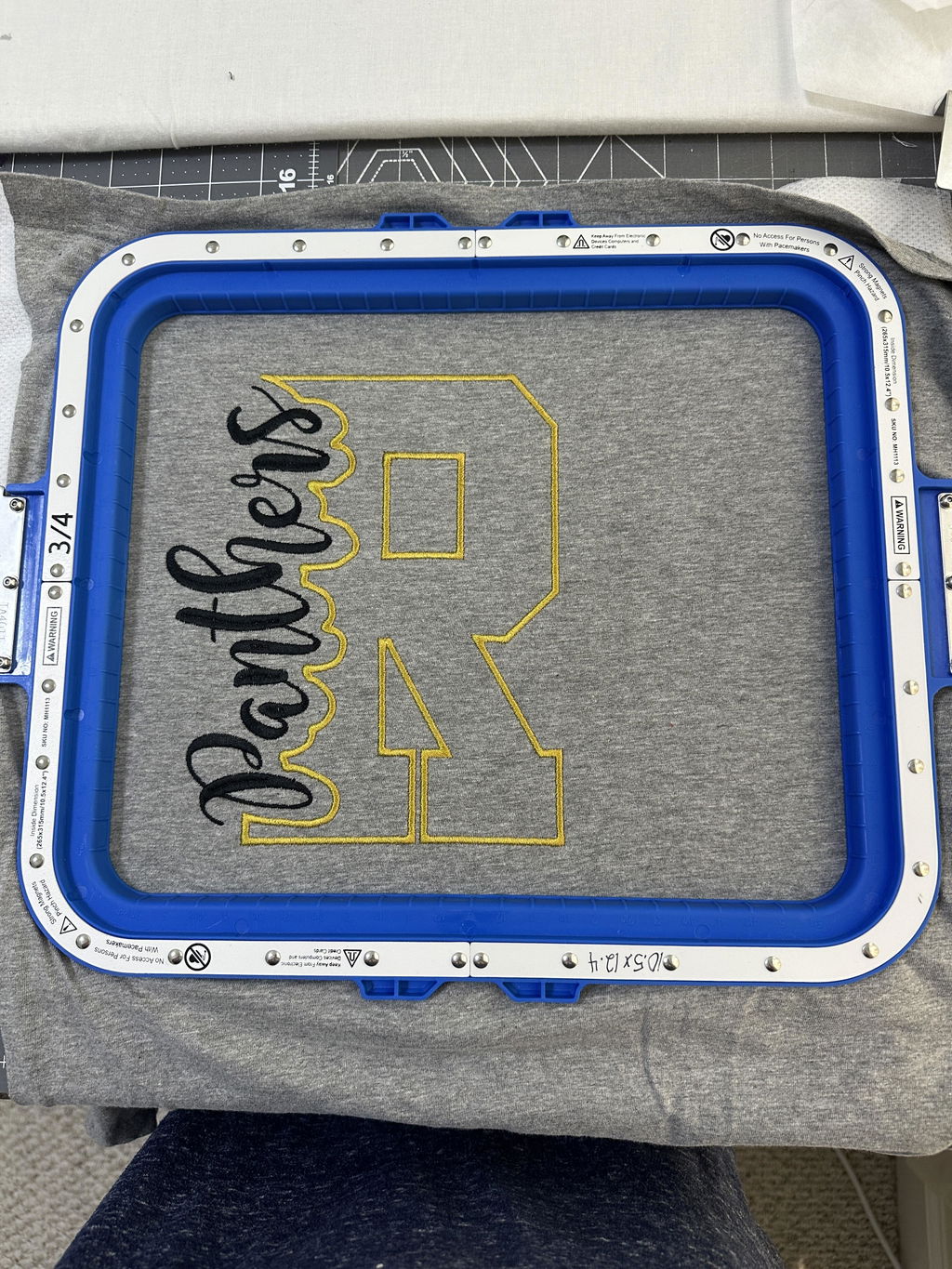
For faster hooping with reduced hoop burn, Sewtalent magnetic hoops can clamp fabric up to 90% faster than screw hoops and maintain even tension across delicate silks to multilayer denim. For Brother owners, magnetic hoops for brother embroidery machines accelerate setup while lowering material waste.
When repeatability matters, a brother magnetic hoop helps keep alignment consistent, reducing adjustments and improving finish quality during high-volume runs.
4. Creative Design Implementation
The Stellaire platform enables expressive results with Disney patterns and intuitive tools. You can personalize character art, build custom motifs, and place designs with high accuracy using mobile capture and on-screen alignment.
4.1 Disney Pattern Customization Techniques
The Stellaire includes 101 Disney embroidery designs and supports combining built-ins with additional downloads for broader themes. Use My Design Center to tailor each design:
- Upload and Edit: Choose a Disney pattern, then scale, rotate, and recolor in My Design Center. Color shuffling helps audition palettes that match your project.
- Precise Positioning: Use My Design Snap to capture your hooped fabric, then align on the machine’s HD screen. A 2-point embroidery positioning function with LED guidance helps place stitches precisely.
- Theme Adaptation: Adapt colors for birthdays, holidays, or seasonal palettes without altering stitch counts.
While there isn’t an official Disney-specific how-to, these general techniques make charming, on-theme results approachable.
4.2 Hand-Drawn to Embroidery Conversion
Turn hand sketches into stitches with My Design Snap:
- Snap and Capture: Photograph the sketch in the hoop and send it to the machine.
- Edit and Refine: Use paintbrush tools and shapes to sharpen details and prepare for stitching.
- Embroidery Execution: Transfer the final file via USB or Wi‑Fi and stitch with precise alignment.
Alternatively, a manual USB workflow uses external illustration software (for example, drawing and exporting stitch‑ready formats) before transferring via USB. This method is flexible but lacks the app’s real-time integration.
5. Software Ecosystem & Machine Integration
Beyond hardware, the Stellaire ecosystem expands creative and operational range with on-machine tools and wireless integrations.
5.1 My Design Center Advanced Features
- Shape and Motif Customization: Create directly on the touchscreen with 30 basic shapes, 30 closed shapes, and 17 line types.
- Image-to-Stitch Conversion: Transform line art, handwriting, or clip art via touchscreen capture or My Design Snap.
- Wireless Connectivity: Transfer designs wirelessly and receive real-time alerts via My Stitch Monitor; Artspira supports on‑the‑go creation and transfer.
- ScanNCut SDX325 Compatibility: My Connection enables wireless design transfers from ScanNCut DX models to Stellaire, streamlining multi-step projects.
6. Investment Considerations & Upgrades
Selecting a Stellaire model benefits from comparing features, upgrade paths, and support options so you can align machine capabilities with your project scope.
6.1 Model Comparison: XJ1/XE1 vs XJ2/XE2
- Embroidery Speed and Area: XJ1/XE1 offer a 9.5" x 14" area and up to 1,050 spm; newer XJ2/XE2 models may feature enhancements (exact specs not listed).
- Design Tools and Features: XJ1/XE1 include My Design Snap and 727 built-in designs, while XJ2/XE2 are positioned with upgraded tools and libraries.
- Price and Upgrade Options: XJ1/XE1 are "retail only" with upgrade kits available (including magnetic frames). XJ2/XE2 are marketed as premium, cutting-edge choices.
- Warranty and Dealer Support: Stellaire machines include a 25-year limited chassis warranty and 5-year PCB coverage. Locate a Brother dealer near you for updates and service.
If accessories are part of your planning, consider complementary tools such as magnetic embroidery hoops and compatible magnetic frames to streamline hooping.
7. Advanced Maintenance & Long-Term Care
Regular care preserves stitch quality and extends machine life. Follow these best practices and resolution tips to minimize downtime.
Routine Maintenance Protocols
-
Internal Cleaning Use compressed air, brushes, and tweezers to remove lint from the bobbin area, tension discs, and needle bar. Avoid vacuuming electronics. Dental floss can remove thread residue from tension discs.
-
Lubrication Apply machine oil to the rotary hook and needle bar after cleaning. Wipe excess oil to prevent residue buildup.
-
Component Care Replace bent or damaged needles promptly and use only compatible types. Store the machine away from sunlight, humidity, and heat. Clean the case with neutral detergents only.
-
Preventative Measures Avoid pulling or pushing fabric during embroidery. Inspect the needle plate regularly, and power off the machine before adjustments.
Error Code Resolution
- Error Code 12: The main shaft is not aligned to 100°. Press the 100° icon to auto-correct or adjust manually.
- Error Code 19: Needle detection failure. Turn the sewing head wheel until the needle is detected, or press the "zero" button to auto-correct.
Note: Error codes can vary slightly by model; consult your manual for specific guidance.
Firmware and Software Updates
- Software Compatibility: Keep embroidery software (e.g., Brother’s PE Design) current for best integration.
- Official Channels: Contact Brother support directly for firmware updates that require proprietary tools.
Long-Term Maintenance Challenges
- Wear and Tear: Replacing a main shaft bushing can eliminate noise from excess needle-bar play.
- Tension Issues: Persistent thread breakage or uneven stitches often indicate clogged tension discs or misrouting.
Professional Studio Recommendations
- Scheduled Servicing: Deep clean and lubricate every 1,000–2,000 hours based on workload.
- Backup Systems: Keep spare needles, bobbins, and tension discs to prevent downtime.
8. Conclusion: Elevating Your Embroidery Practice
The Brother Stellaire series blends advanced placement tools and robust design features with high-speed stitching and a large 240x360mm field. From color shuffling and automated trimming to efficient garment workflows with magnetic hoops, Stellaire machines help transform creative ideas into polished, repeatable results for hobbyists and professionals alike.
9. FAQ: Brother Stellaire Essentials
9.1 Q: How does Disney licensing work with the Brother Stellaire machines?
- A: The series includes 101 exclusive Disney designs licensed for personal use, enabling Disney-themed projects without extra downloads or licenses.
9.2 Q: How can I update the software on my Brother Stellaire machine?
- A: Keep embroidery software such as Brother’s PE Design up to date. For machine firmware, contact Brother support directly, as updates typically require proprietary tools.
9.3 Q: What stabilizers are compatible with Brother Stellaire machines?
- A: Tear-away, cut-away, and water-soluble stabilizers are compatible. Test stabilizers on a sample fabric to match design complexity and material.